CS2
Without Nitrus
180
+78%
Average FPS
With Nitrus
320
Nitrus identifies your hardware and shows Windows, GPU and network tweaks suited to your PC. Download it for free to explore the recommendations. With Premium, apply the optimizations available for your setup.
A REAL NITRUS TEST
Ryzen 7 7800X3D · RTX 3070 · 32 GB RAM
Same PC, same test conditions. Results may vary.
See customer reviews

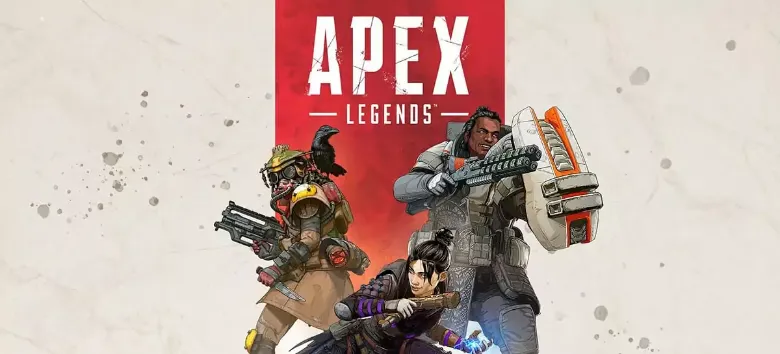
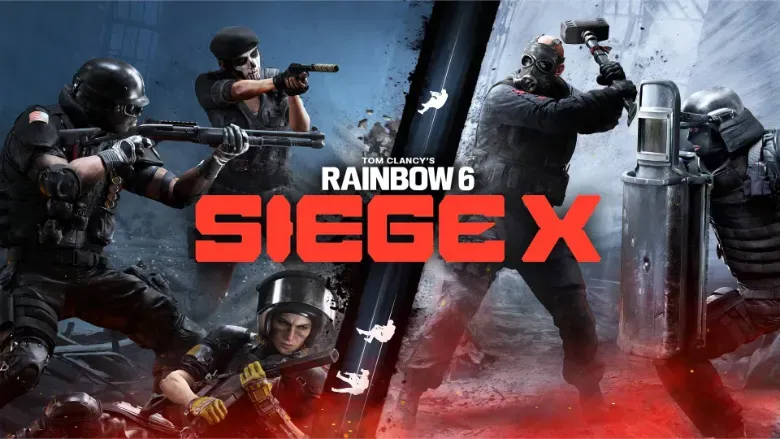

Illustrative FPS comparisons. Actual gains vary by PC, game, and settings.
A Windows app with game profiles, hardware-based recommendations, memory control, maintenance and cleanup in one place.
See how it worksPerformance
Maintenance
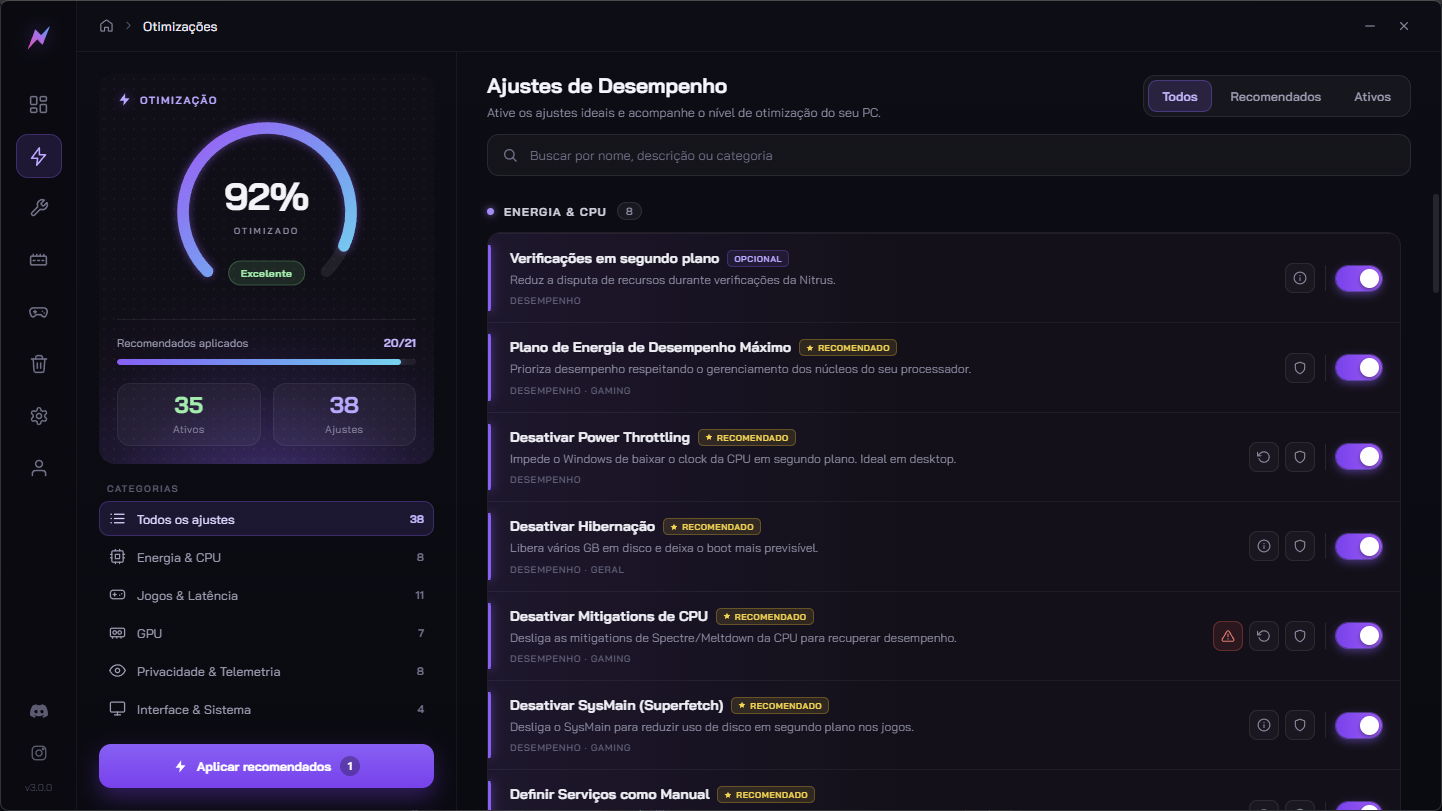
See the tweaks recommended for your PC's hardware.
This screenshot could not be loaded.
Nitrus 3.0.0 screenshots. Tweaks and figures vary by PC.
Nitrus identifies your CPU and GPU to show recommendations compatible with your hardware.
System and network settings may reduce response delays in supported scenarios.
Frees RAM and wipes the junk Windows piles up, so your PC enters the match with memory free.
System tweaks avoid interfering with anticheat processes. Always check each game's current rules.
Track what was applied and restore tweaks with a saved previous state when you want.
The app receives updates with new features and compatibility improvements. You choose when to install an available version.
Customer-submitted accounts, with hardware and results reported by their authors. Results on your PC may differ.
Plans
The app is free to download and try. Full optimizations unlock with a plan, no lock-in.
No commitment. Cancel anytime, straight from the app.
The best cost per month among the recurring plans.
A 6-month commitment, at a bigger discount than Monthly.
Compare the plans, apply a coupon if you have one, and finish the payment right away.
Free download · Windows 10 and 11 · Optimizations unlock with a license.
We answer even the annoying ones, no beating around the bush. Missing something? Ask on Discord, we answer fast.
Nitrus uses Windows, driver, and game-profile settings. We avoid interfering with anticheat processes, but rules and compatibility can change. No software can guarantee that every game is ban-free.
Results depend on your hardware, game, and current PC configuration. Nitrus identifies your equipment and shows tailored recommendations before you decide whether to activate Premium.
Generic tutorials do not account for your hardware or current Windows configuration. Nitrus brings hardware-specific recommendations together and lets you track applied tweaks in one place.
It does not install its own kernel driver. Monitoring and automatic cleanup features are shown in the app and can be configured by you. Settings are presented before you apply them.
Tweaks applied in current versions save the previous state so they can be restored. Some actions, such as deleting files or removing apps, cannot be undone. Older tweaks without a backup may also have limitations.
No. Install the app, sign in, and see the recommendations for your hardware. You choose which tweaks to apply; available options are explained in the interface.
Nitrus offers system tweaks and profiles for supported games. The effect varies by game and hardware; gains are not guaranteed in every title.
Windows 10 version 1903 or later, and Windows 11, in any edition: Home, Pro or Enterprise. Windows 11 Pro unlocks a few extra optimizations, but most of the list works the same across all editions.
Instantly. As soon as the payment is confirmed, Premium is unlocked on the same account you used to buy it, there's no code to type in or email to wait for. Just open the app with that account and the license links itself to your PC.
Install it for free, explore recommendations for your PC, and browse game profiles. Premium unlocks the optimizations available for your hardware.
Windows 10 and 11 · no card needed to try it