Discover tweaks for your setup
See Windows, GPU and network recommendations organized around the hardware Nitrus detects.
HOW IT WORKS
Nitrus identifies your hardware and brings recommended tweaks, game profiles, memory and maintenance together in one Windows app. Download free and explore what fits your PC.
INSIDE THE APP
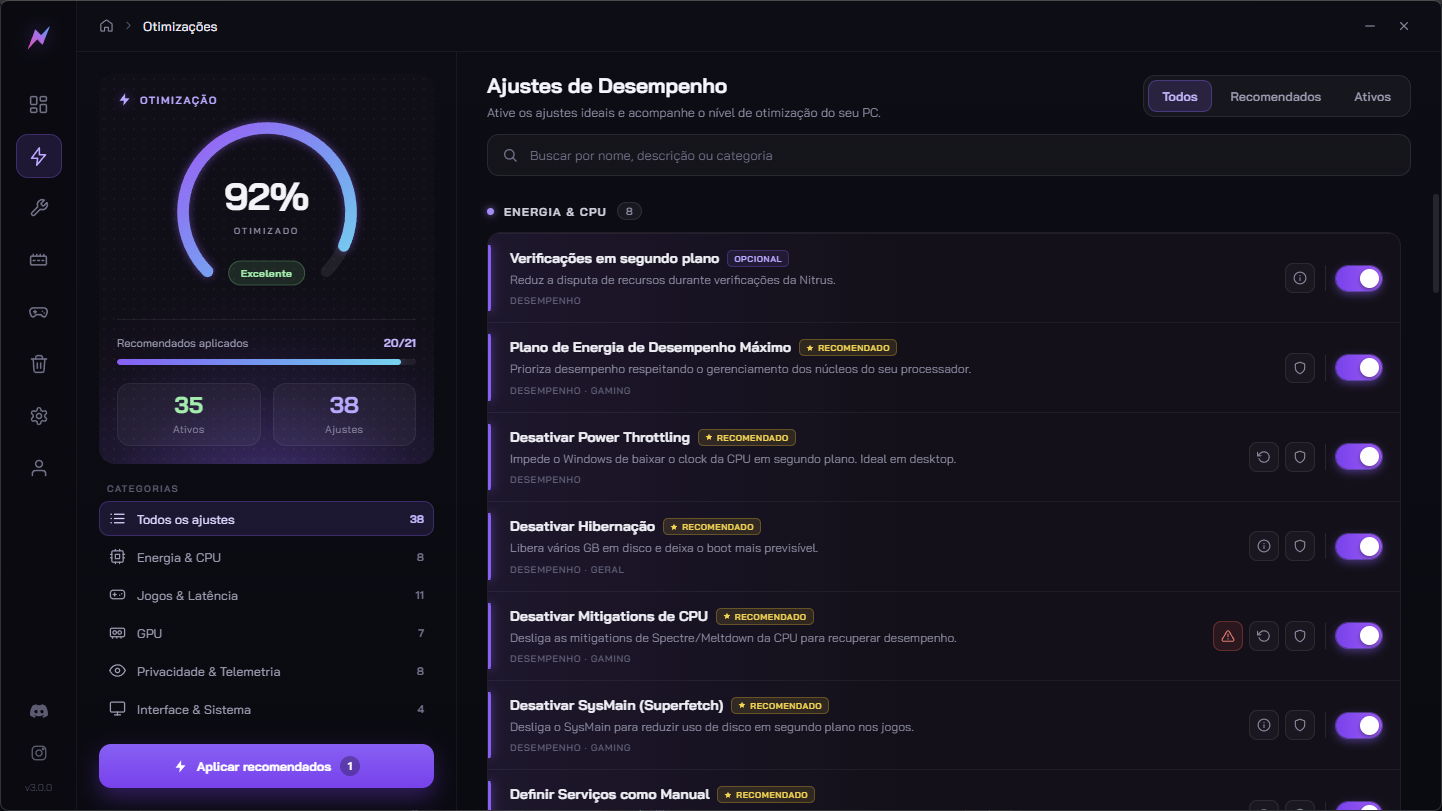
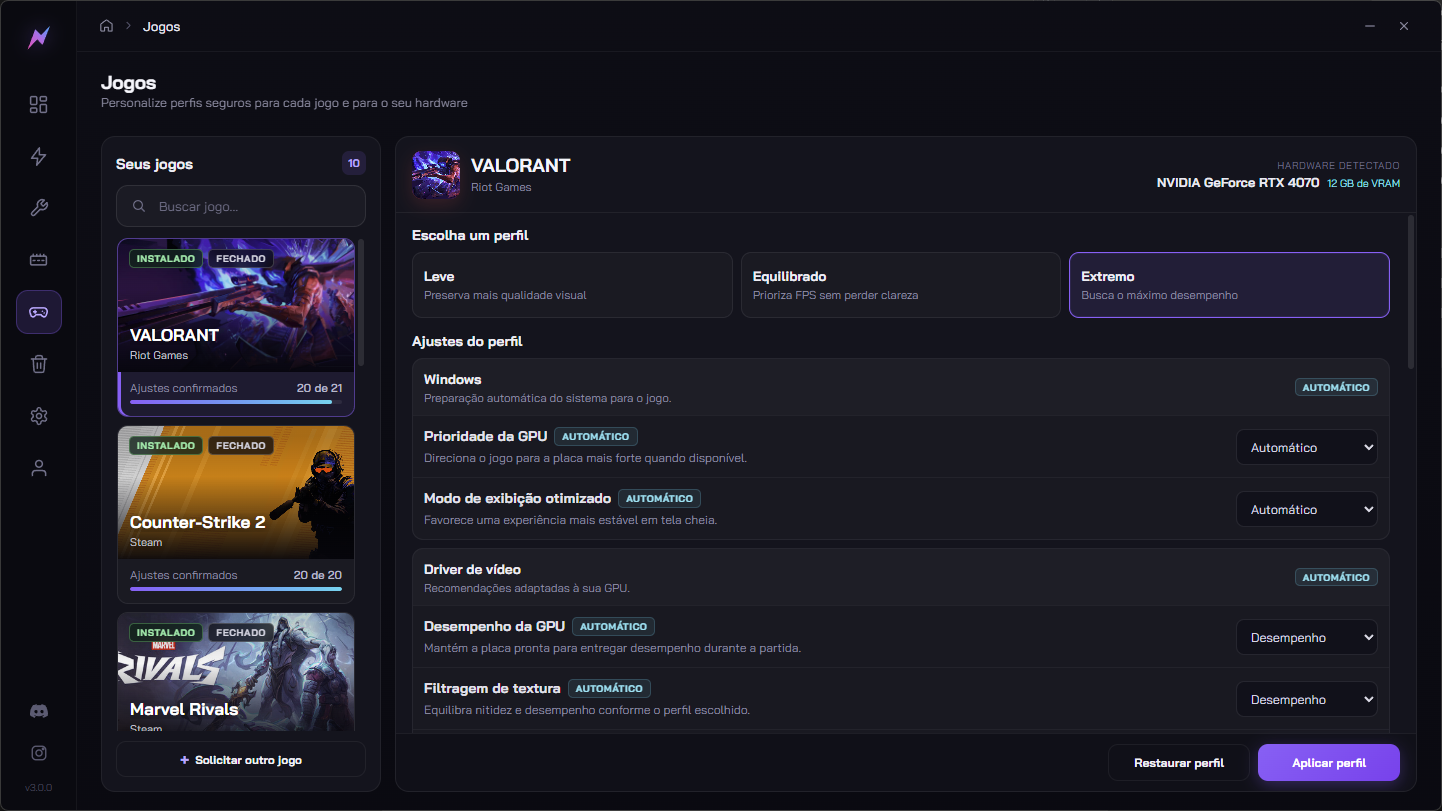
Find recommendations, choose how you want to play and keep an eye on your PC without juggling multiple tools.
See Windows, GPU and network recommendations organized around the hardware Nitrus detects.
Explore Light, Balanced and Extreme profiles for supported games and pick the one that fits your setup.
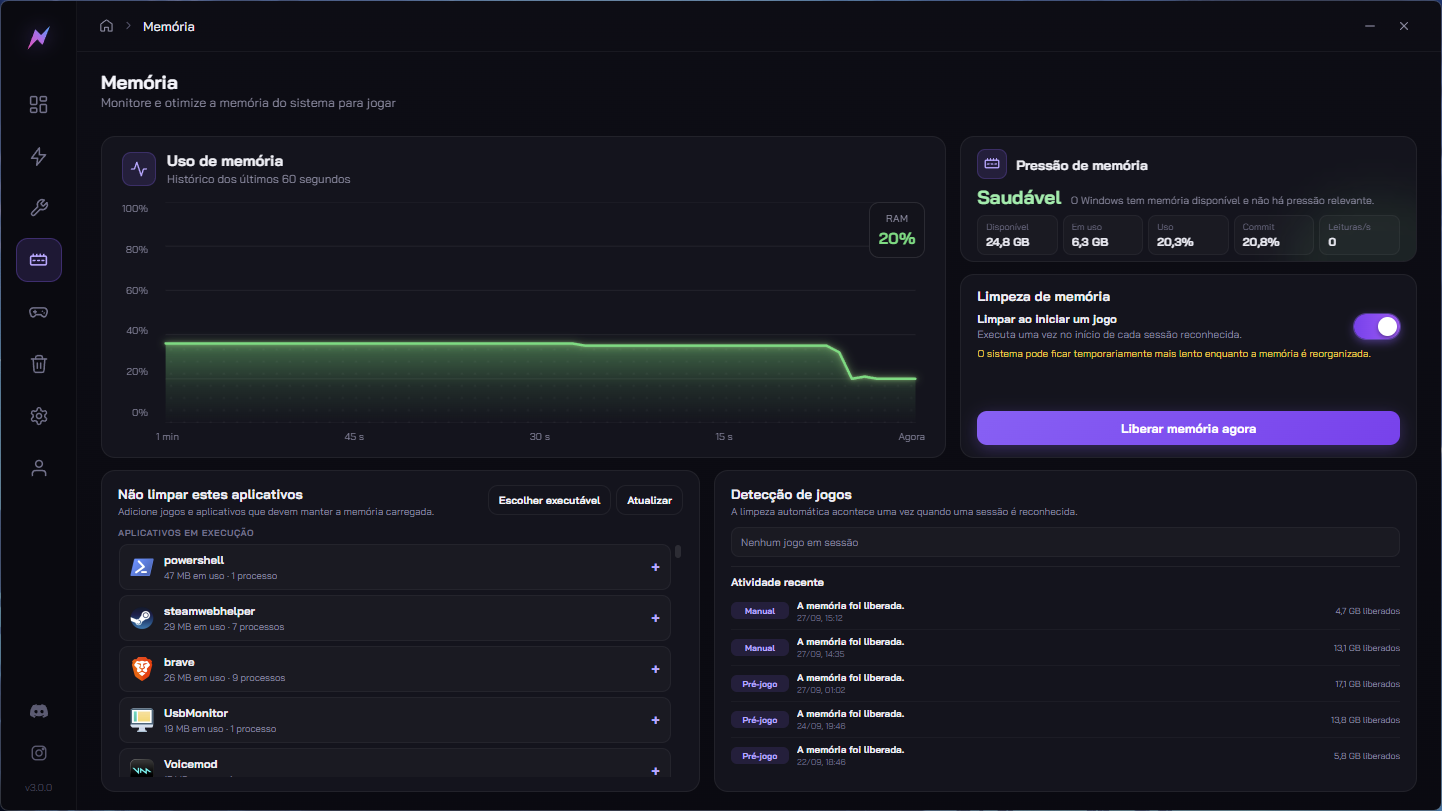
See RAM usage, set up cleaning when a game starts and stay in control from the same app.
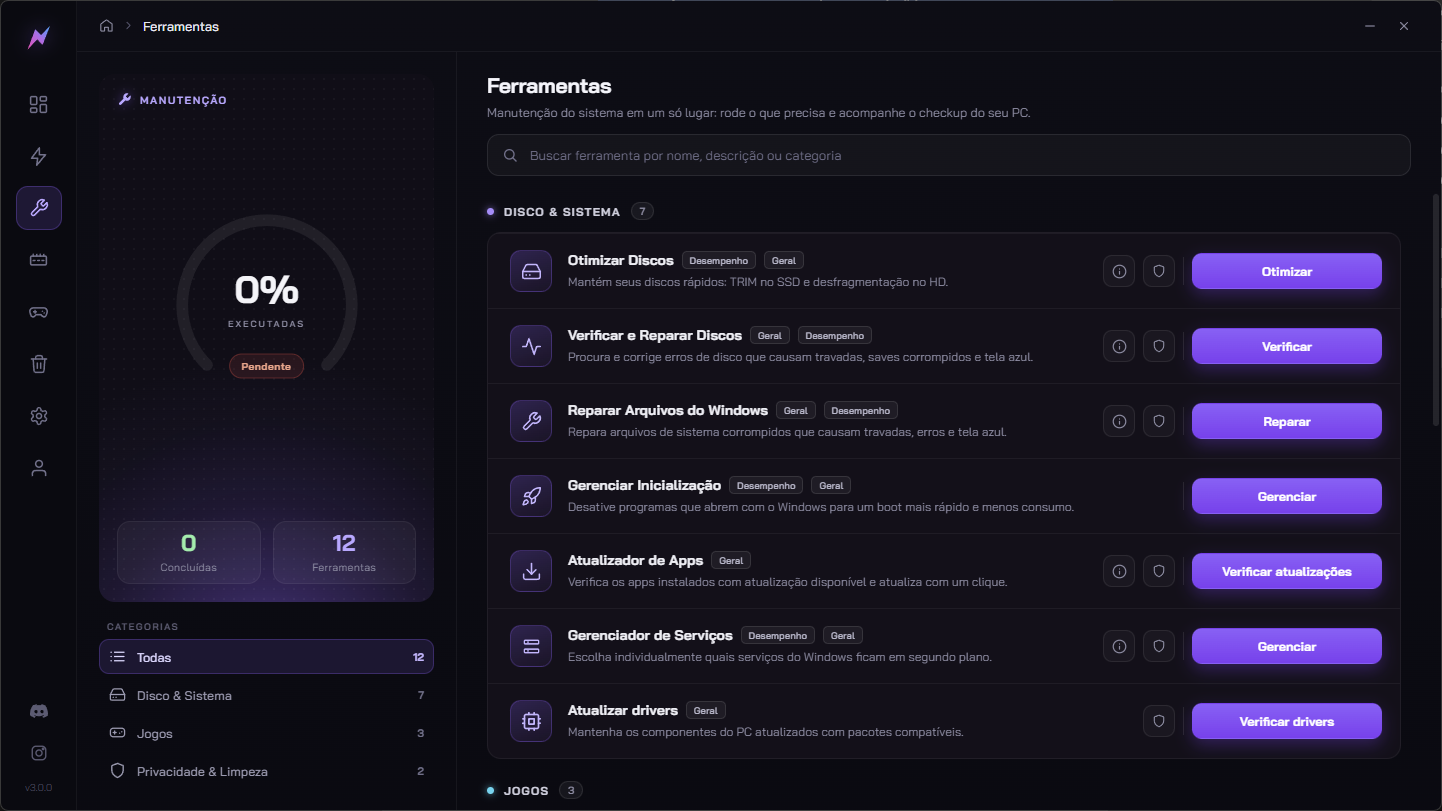
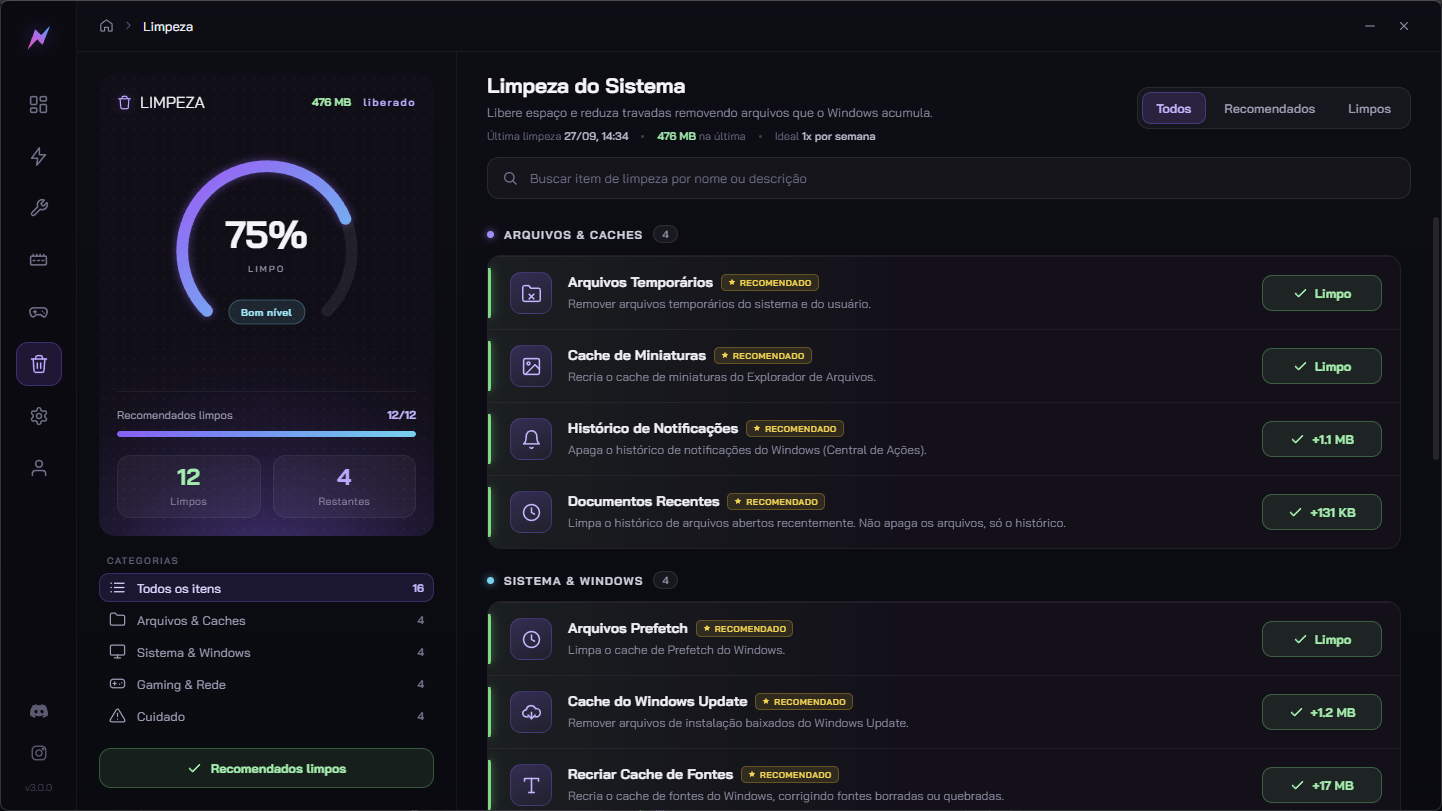
System tools and cleanup sit alongside performance tweaks so you can take care of your PC in one routine.
YOUR NEXT STEP
Get to know your PC in the free app. With Premium, apply the optimizations available for your setup and track your active tweaks in one place.
REAL NITRUS TEST
Ryzen 7 7800X3D, RTX 3070 and 32 GB RAM. Averages on the same PC under the same test conditions.
Read customer reviews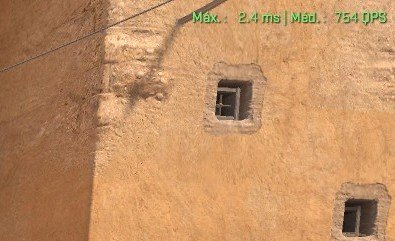
Download the app, explore recommendations for your hardware and choose your next step.
Download free More questions? See the FAQ